AI agents for marketing teams
Offloop puts AI agents in the channels where marketing already works. They turn requests into campaign briefs, draft content, summarize research and keep launches on track, and a person approves anything that goes out.
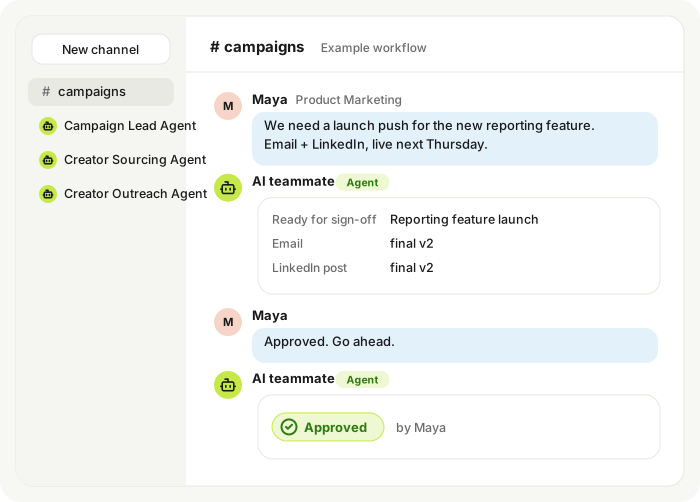
AI for marketing teams
What AI agents do for marketing teams
Most AI for marketing is a writing tool that sits in its own tab. Offloop works differently: an AI teammate inside the marketing team's own chat that picks up the coordination and prep work around every campaign, so marketers spend their time on ideas and decisions.
The agents join the same channels as the team. They read the request, gather what is needed, prepare a first version and post it in the thread for people to review, edit and approve.
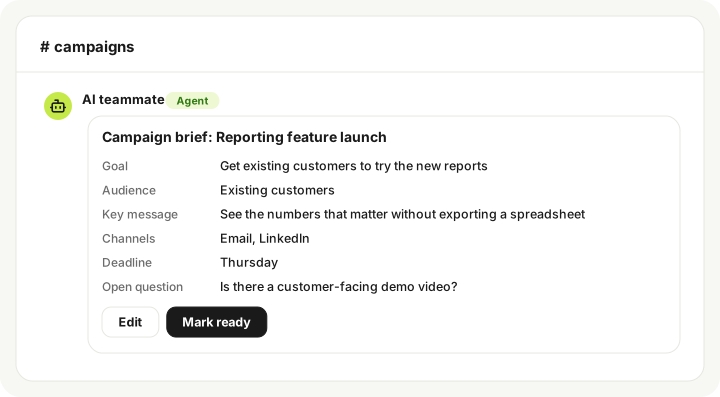
Example workflow
How it works: one campaign request, start to finish
Here is how a single request moves through a marketing channel with an AI teammate. Every step stays in one thread, and a person signs off before anything goes live.
Example workflow. Illustrative only, not a customer story.
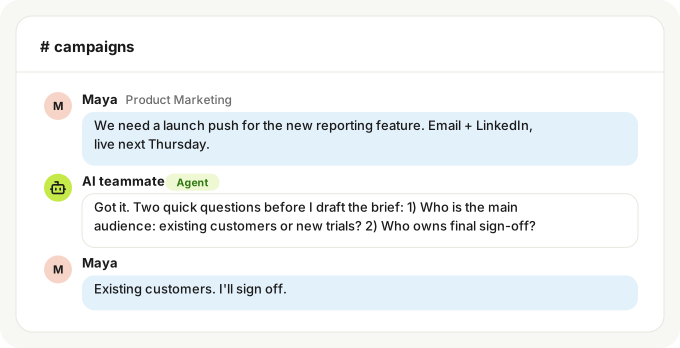
- AI teammate
- Reads the request and asks for anything missing, such as the deadline or the owner.
- Person confirms
- The requester answers the open questions.
- Output
- A clear request with goal, deadline and owner.
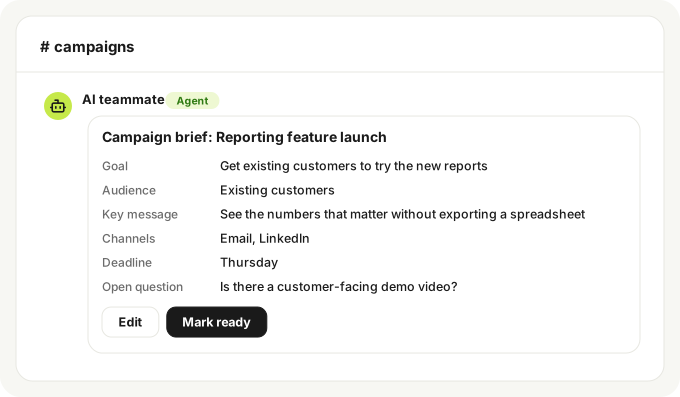
- AI teammate
- Drafts a campaign brief from the request and the thread.
- Person confirms
- The owner edits the brief and marks it ready.
- Output
- An approved campaign brief.
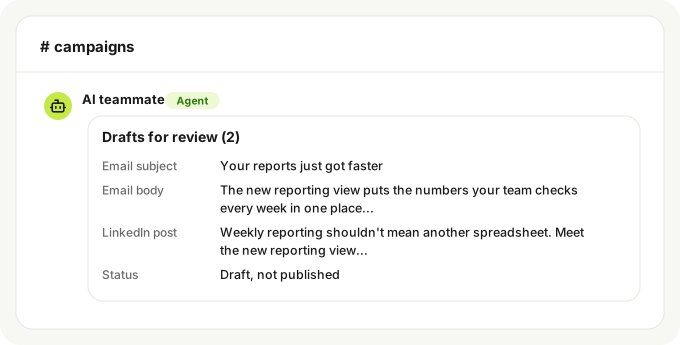
- AI teammate
- Prepares first drafts for each channel in the approved brief.
- Person confirms
- The team edits wording, tone and details.
- Output
- Draft email and LinkedIn post ready for review.
- AI teammate
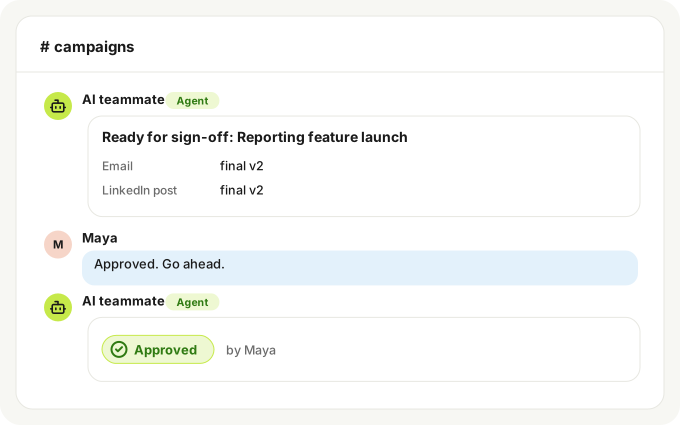
- Collects the final versions and asks the owner for approval. Nothing is published without it.
- Person confirms
- The owner approves or sends it back with changes.
- Output
- Approved final copy.
- AI teammate
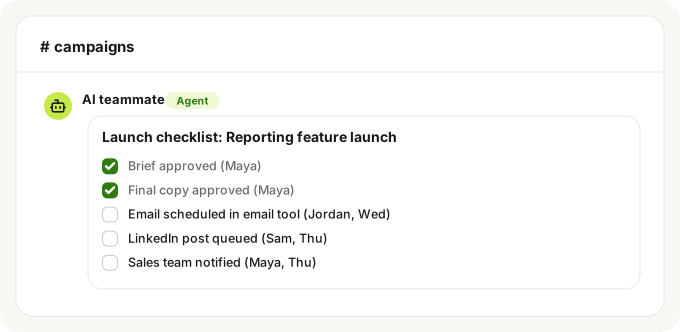
- Posts a launch checklist with owners and due dates in the thread.
- Person confirms
- Each owner ticks off their item.
- Output
- One checklist the whole team can see.
The problem
Where marketing time goes
Marketing teams rarely run short on ideas. They run short on time between them: chasing inputs, rewriting briefs and pulling numbers together after every launch.
Briefs start from scratch every time
A request arrives in a quick message. Someone has to chase the goal, audience, deadline and owner before any real work can begin.
Launches depend on a dozen check-ins
Copy, design, web and sales each move at their own pace. Keeping everyone in sync turns into status pings across several channels.
Results get reported late or not at all
Once a campaign ships, numbers sit in different tools. The recap slips to next week, and the lessons rarely make it into the next plan.
The basics
What are AI agents for marketing?
AI agents for marketing are AI systems that can do marketing work on their own, not just generate text on request. They read a goal, gather the right information, decide on a next step and act on it, such as drafting a brief, summarizing research or reminding an owner about a deadline.
Marketing AI agents show up in two places. Some run inside a single channel tool, like an ad platform or email tool. Others work on the team side, inside the team's own chat, preparing and organizing work across the whole campaign. Offloop's agents are the second kind.
What changes
What your AI teammate takes off the team's plate
Briefs
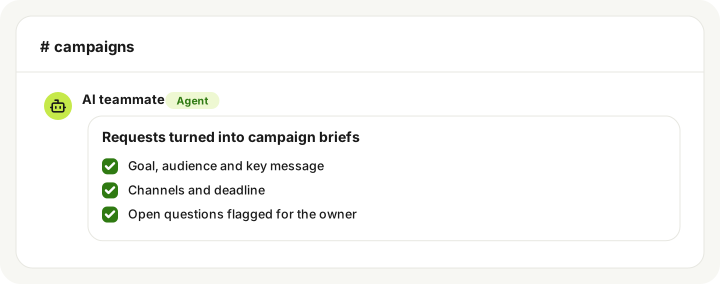
Requests turned into campaign briefs
When someone posts a request in the channel, the agent drafts a brief in the thread: the goal, audience, key message, channels, deadline and open questions. The team edits it instead of writing it from a blank page.
- Goal, audience and key message
- Channels and deadline
- Open questions flagged for the owner
Content drafts
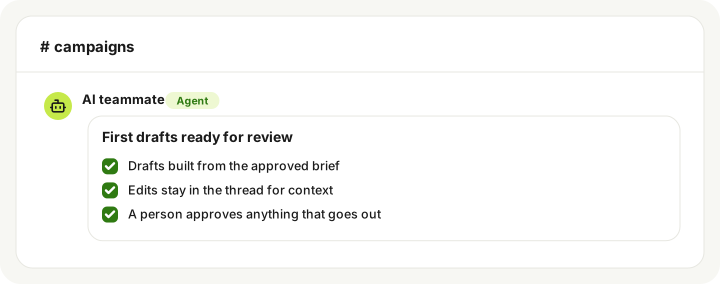
First drafts ready for review
From an approved brief, the agent prepares first drafts such as an email, a social post or a landing page outline. A person shapes the final version and decides what gets published.
- Drafts built from the approved brief
- Edits stay in the thread for context
- A person approves anything that goes out
Research
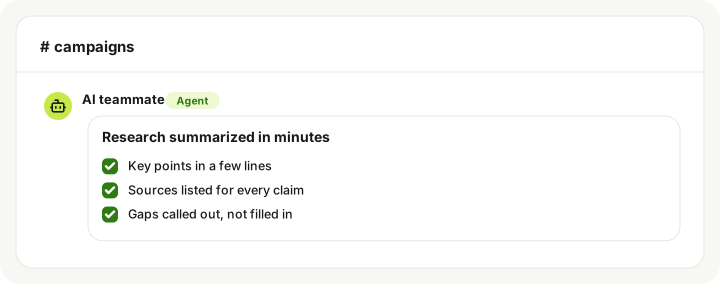
Research summarized in minutes
Ask for a quick read on a competitor, a topic or customer feedback, and the agent posts a short summary with its sources, so the team can check the facts before using them.
- Key points in a few lines
- Sources listed for every claim
- Gaps called out, not filled in
Launch coordination
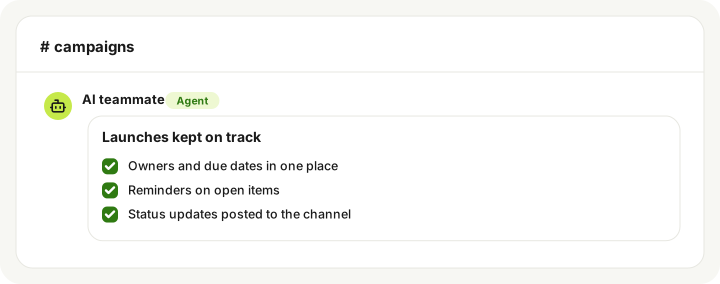
Launches kept on track
For each launch, the agent keeps a running checklist in the channel, nudges owners on open items and posts a short status update, so nobody has to chase updates by hand.
- Owners and due dates in one place
- Reminders on open items
- Status updates posted to the channel
Tasks
Six marketing jobs it can take on
Campaign briefs
- Trigger
- A request is posted in a campaign channel
- AI teammate
- Drafts a brief with goal, audience, message, channels and deadline, and flags open questions
- You approve
- The final brief
- Output
- A brief the team can work from
Content drafts
- Trigger
- A brief is marked ready
- AI teammate
- Prepares first drafts of emails, social posts or page outlines
- You approve
- Every word that gets published
- Output
- Drafts in the thread, ready to edit
Research summaries
- Trigger
- Someone asks about a competitor, topic or audience
- AI teammate
- Summarizes the key points and lists its sources
- You approve
- Which findings the team uses
- Output
- A short summary with sources
Launch coordination
- Trigger
- A launch date is set
- AI teammate
- Builds a checklist with owners and due dates
- You approve
- Owners, dates and the go-live call
- Output
- One shared launch checklist
Performance recaps
- Trigger
- A campaign ends and someone asks for a recap
- AI teammate
- Pulls the results shared with it into a short recap of what worked and what to try next
- You approve
- The conclusions and next steps
- Output
- A recap ready for the next planning round
Feedback collection
- Trigger
- A draft or campaign needs input from other teams
- AI teammate
- Gathers comments from sales, support and stakeholders in one place
- You approve
- Which changes to make
- Output
- One list of feedback to act on
Getting started
Start with one job
The easiest way to bring AI agents into a marketing team is to start small and widen the scope once the output is trusted.
Pick one repetitive job
Choose something the team does every week, such as turning requests into briefs.
Give it context
Share the channel, a few past examples and the style the team expects.
Keep it draft-only
Let the agent prepare drafts while people publish and send everything themselves.
Review the edits
Look at what the team changes in each draft and update the instructions so the next one needs fewer fixes.
Try this workflow
Try this workflow with a template
Marketing
Run a creator marketing campaign end to end from one channel, with a person owning spend decisions
- Campaign Lead Agent
- Creator Sourcing Agent
- Creator Outreach Agent
- Creator Operations Agent
- Campaign Analytics Agent
Marketing Agency
Turn one brief into a plan across paid, social, SEO and influencer work
- Performance Marketing Agent
- Content Production Agent
- Paid Acquisition Agent
- Organic Social Agent
- SEO & Content Agent
- Influencer Partnerships Agent
- Marketing Analytics Agent
Guardrails
Built with guardrails
AI agents for marketing teams should make work faster without taking decisions away from people.
A person approves what goes out
Drafts stay drafts until someone on the team approves them. Nothing is published and no budget is spent by the agent alone.
Channel permissions
The team decides which channels and files the agent can work with, so it only sees what the job needs.
Everything in the thread
Requests, drafts, edits and approvals stay in one thread, so anyone can see what the agent prepared and who signed off.
Under the hood
How AI agents handle a marketing request
- Read the request and the campaign it belongs to
- Pull context from the thread, past briefs and shared files
- Decide the next step: draft, research, ask a question or remind an owner
- Prepare the output, such as a brief, a draft or a recap
- Hand off to a person for anything that gets published or spent
Agents vs writing tools
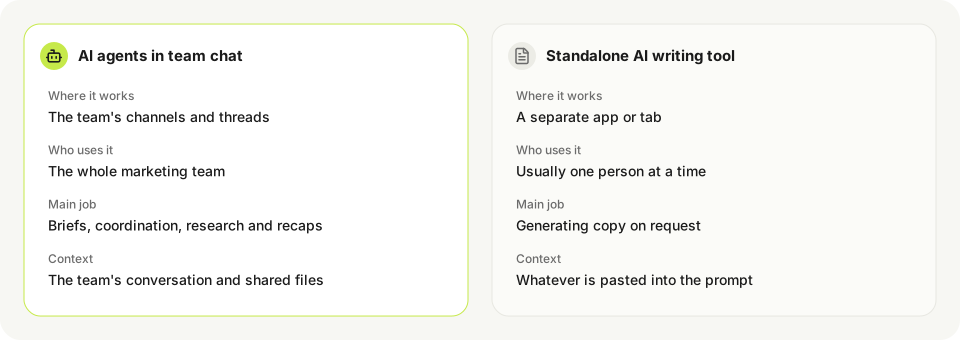
AI agents in team chat vs standalone AI writing tools
| AI agents in team chat | Standalone AI writing tool | |
|---|---|---|
| Where it works | The team's channels and threads | A separate app or tab |
| Who uses it | The whole marketing team | Usually one person at a time |
| Main job | Briefs, coordination, research and recaps | Generating copy on request |
| Context | The team's conversation and shared files | Whatever is pasted into the prompt |
Many teams use both: a writing tool for quick copy and AI agents to carry the work around it.
Choosing
What to look for in AI agents for marketing
For a side-by-side look at tools, compare marketing AI agents on a dedicated page. For a team, these points matter most:
Human approval
Check who signs off before anything is published or budget is spent, and how easy it is to edit what the agent prepared.
Works where the team works
An agent that lives in the team's chat gets used. One that needs another tab often does not.
Sources on every claim
Research and drafts should show where facts came from, so the team can check them before publishing.
Access controls
The agent should only see the channels, files and accounts it needs.
Fits the existing stack
The agent should support the tools already in place instead of replacing them.
FAQ
Frequently asked questions
What are AI agents for marketing?
They are AI systems that carry out marketing tasks on their own, such as drafting a brief or summarizing research, instead of only answering a prompt. Offloop's agents work inside the marketing team's chat.
Do the agents publish content or spend budget on their own?
No. The agents prepare and draft, and a person on the team approves anything that gets published or spent.
How is this different from marketing automation software?
Marketing automation runs set workflows like email sequences. AI agents for marketing automation work more flexibly, handling the prep and coordination work around campaigns, and can sit alongside existing tools.
Will AI agents replace marketers?
They take over repetitive prep and follow-up work. Strategy, creative calls and final approval stay with people.
Do I need to build the agent myself?
No coding is needed to start. The team adds an AI teammate to a channel and describes the job in plain words, then refines the instructions as it reviews the drafts.
Which channels and files can it see?
Only what the team gives it access to. Start with one campaign channel and the files that job needs, and widen access later if it helps.
How do we get started?
Sign up, add an AI teammate to one campaign channel and start with one job, such as campaign briefs.
