Quick answer
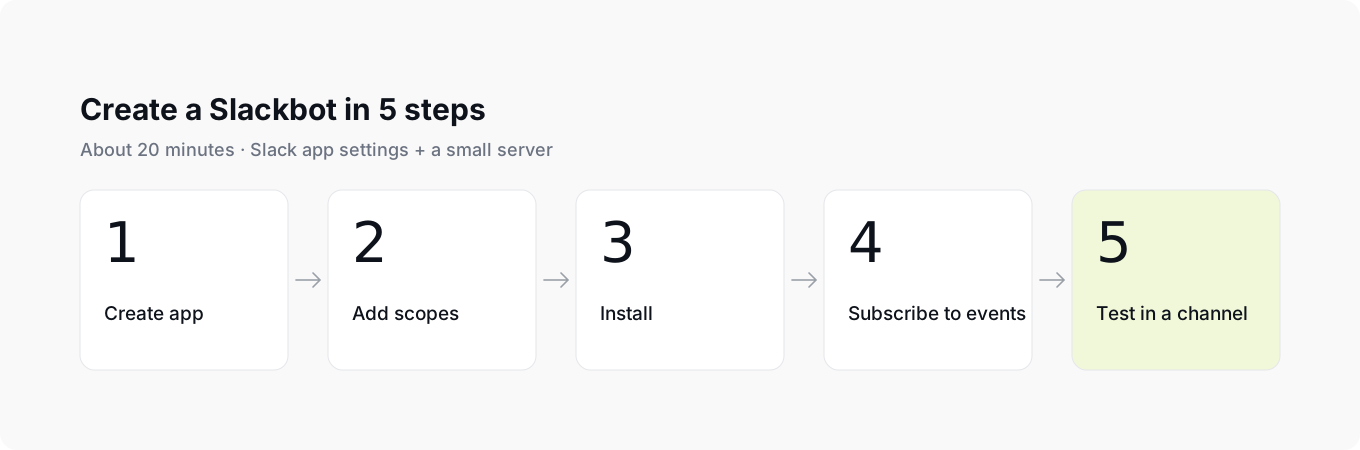
Create an app at api.slack.com/apps, add the chat:write and app_mentions:read scopes, install it to your workspace, subscribe to the app_mention event, then mention the bot in a channel to test it.
- Time
- · about 20 minutes
- Level
- · beginner
- Plan
- · any Slack plan
What you'll need
- A Slack workspace where you can install apps
- Access to api.slack.com/apps
- A server or Socket Mode for receiving events
- About 20 minutes
Create a Slack app
Create a named Slack app in your test workspace
Open the Slack API site, choose Create New App and pick From scratch. Give the app a short name your team will recognize and select the workspace where you will test it.
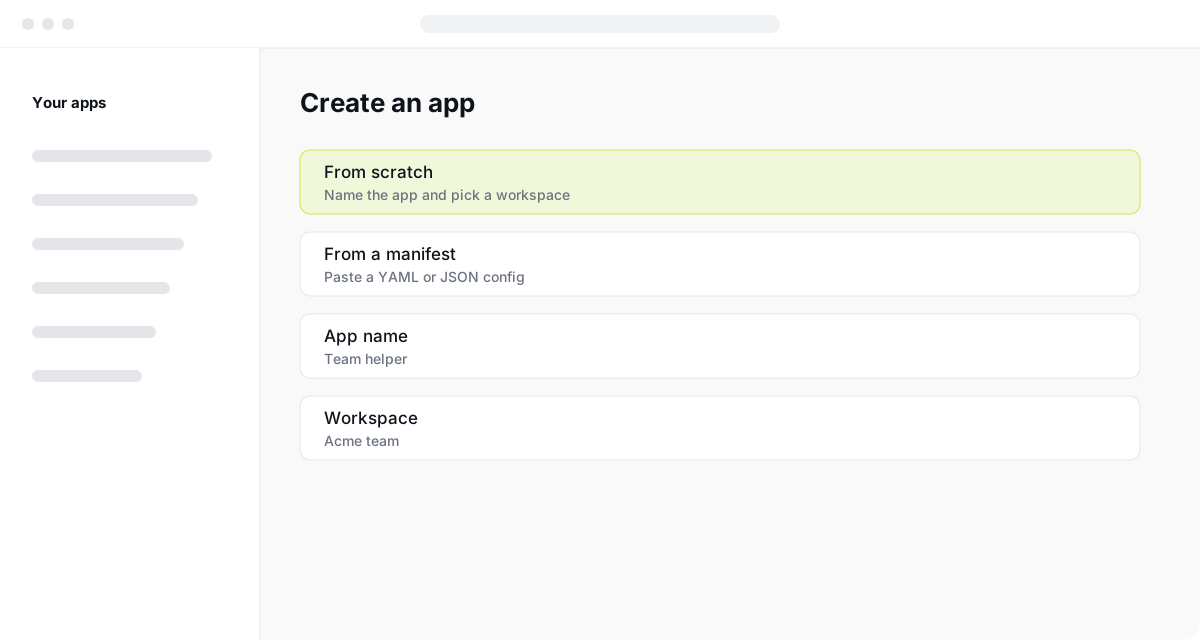
Before continuing, make sure the app has the name your team will recognize and is associated with the workspace where you will test it.
Add bot token scopes
Give the bot only the permissions it needs to read mentions and reply
Scopes decide what the bot is allowed to do. Under OAuth & Permissions, add only the scopes the bot needs to read mentions and post replies.
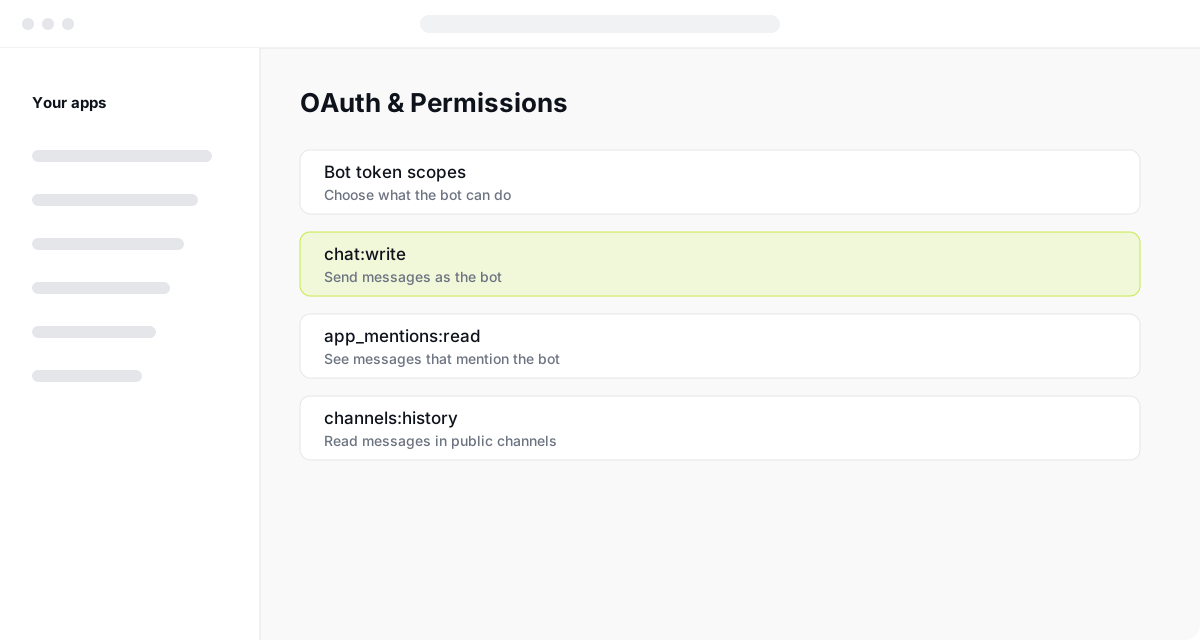
Before continuing, check that the bot has the permissions to read mentions and post replies; reinstall the app whenever you add a new scope.
Install the app to your workspace
Install the app to obtain the bot token used for posting messages
Choose Install to Workspace and approve the request. Slack then shows a Bot User OAuth Token, which your code uses to post messages.
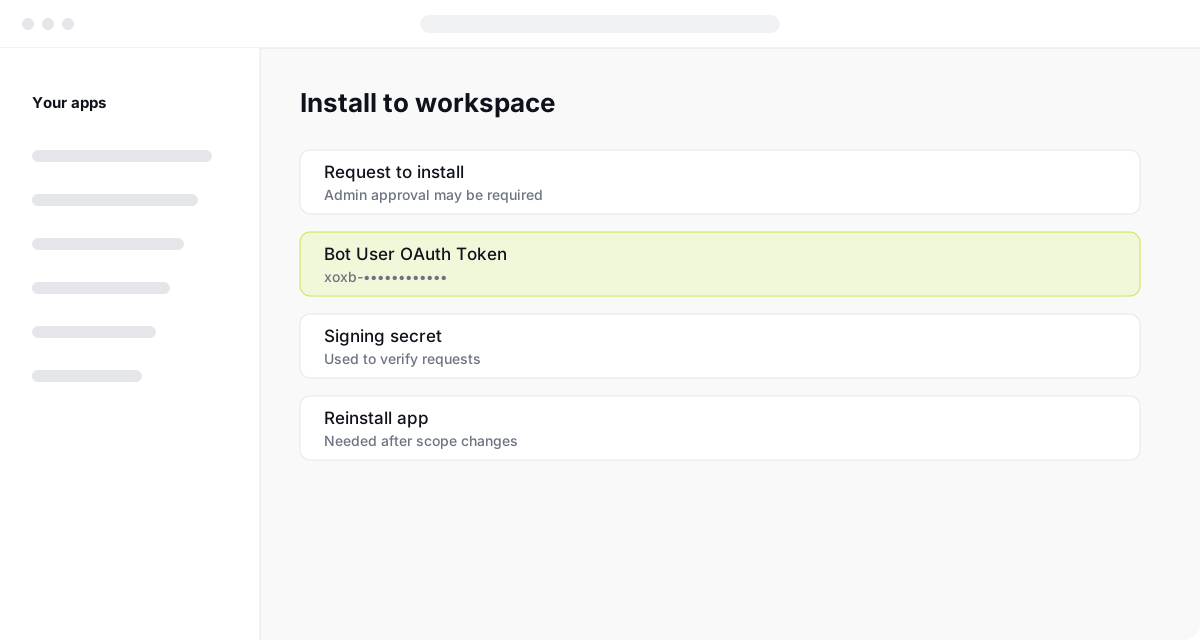
This step is complete when Slack shows the bot token after installation. Keep it out of the repository and store it with your environment variables.
Subscribe to events
Connect mention events to your server so the bot can respond
Turn on Event Subscriptions and add the URL of your server. Slack sends a request when someone mentions the bot, and your server replies through the Web API.
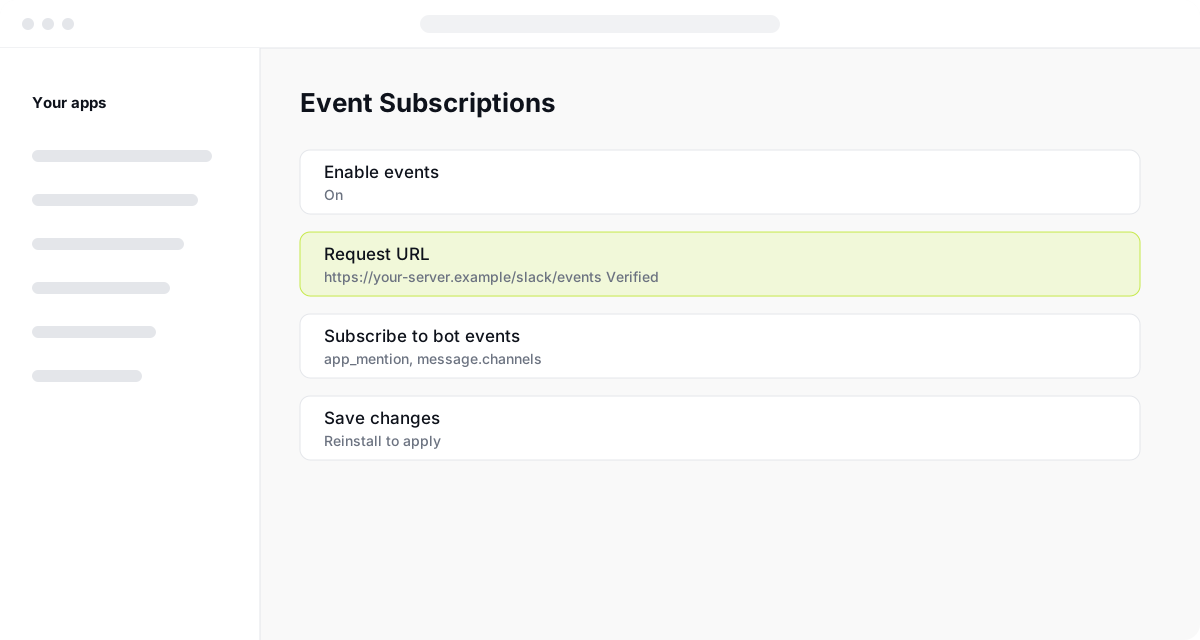
Before testing in a channel, make sure event subscriptions are enabled and Slack has verified the request URL, or use Socket Mode for local testing.
Test the bot in a channel
Verify that mentioning the bot produces a reply in the same thread
Invite the bot to a channel with /invite @Team helper, then mention it. If everything is set up, the reply appears in the same thread.
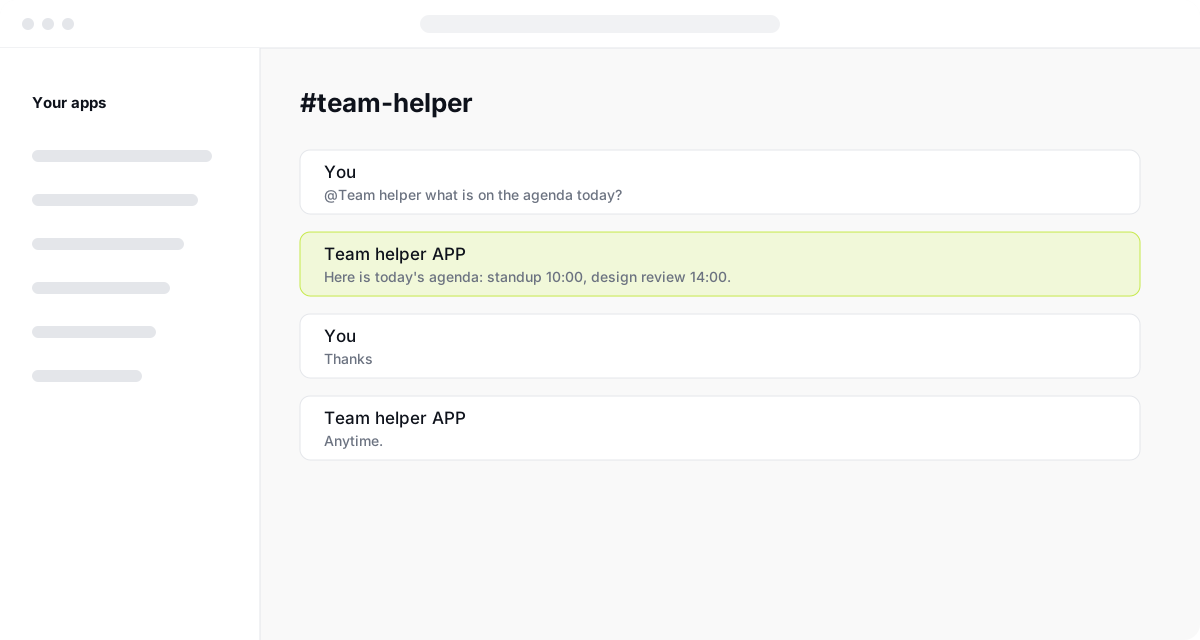
The test passes when a mention produces a reply in the same thread. If it does not, use the troubleshooting checks below before considering the setup complete.
Troubleshooting
- The bot does not reply
- Check that it is invited to the channel and that app_mentions:read is added, then reinstall.
- Request URL fails to verify
- Your server must answer Slack's challenge request within 3 seconds.
- Missing scope error
- Add the scope named in the error and reinstall the app.
How to create a Slackbot: FAQ
Is it free to create a Slackbot?
Creating a Slack app is free. Free workspaces limit the number of installed apps, and hosting your server may cost money.
Do I need to code to make a Slackbot?
A basic reply bot needs a small server. Slack Workflow Builder and no-code tools cover simple automations without code.
What is the difference between Slackbot and a custom bot?
Slackbot is Slack's built-in assistant. A custom bot is an app you create, with its own name, scopes and behaviour.
Can a Slackbot read every channel?
Only channels it has been invited to and has scopes for. Private channels need an explicit invite.
How long does it take to build one?
A simple bot that replies to mentions takes about 20 minutes once your server is running.
Sources
- Slack API quickstart
- Slack app authentication basics
- Slack permission scopes
- Slack Events API
- Slack Socket Mode